Wan 3.0 Document to Video
Drop in a deck, a report or a spreadsheet. Wan 3.0 reads all of it, decides what the story is, and generates new footage with sound in one pass of up to thirty seconds. Not your slides with a voice over them — footage that did not exist before. Your file is checked in the browser first, so one that cannot run never costs you anything.
Every idea on the site, from all six tools · press Use this prompt to load one into the panel on the left
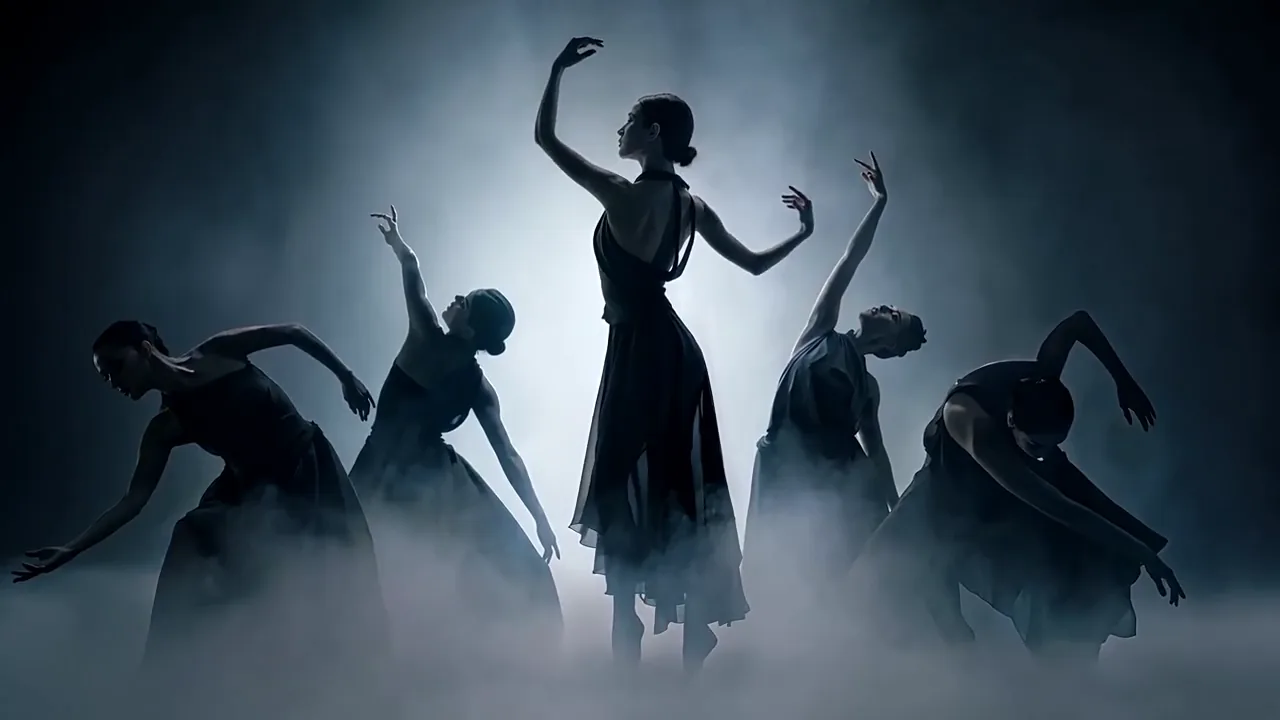
 12s · 16:9 · 720P
Dancers in backlit fog
What Wan 3.0 document to video gives you back
Wan 3.0 document to video takes one file — a deck, a report, a spreadsheet — reads all of it, works out what the material is about, and directs a new video from that understanding. Picture and sound together, up to thirty seconds, at 480P, 720P or 1080P. It reads your document. It does not put it on screen.
What Wan 3.0 is not: a slideshow exporter, or a narrator reading your bullets over your layout. If the deck's design is the thing you ship, a section below says so plainly.
- One continuous take
- 2–30 s
- 100 MB · one file per run
- 50 pages
- Deck · doc · sheet · PDF
- 12 formats
- What the document costs
- $0
One continuous take
100 MB · one file per run
Deck · doc · sheet · PDF
What the document costs
- Not a slideshow exporter
- Not a narrator over your layout
- Not one scene per slide
Will your file run, and what fits in thirty seconds
Two questions decide whether a Wan 3.0 document job is worth starting, and both are answerable before you spend anything. These checks run in your browser; nothing is uploaded until you press generate.
Your file, checked before Wan 3.0 sees it
docx · doc · xlsx · xls · pptx · ppt · pdf · txt · key · pages · numbers · md
- Formatone of the twelve
- Size100 MB, whatever the format
- Pages50 — a count, not a size
- Not lockedan encrypted PDF is refused
- Nothing else attachedno first or last frame
Spreadsheets, txt and md are size-checked only: Alibaba validates the fifty-page ceiling for pdf, docx, doc, pptx, ppt, key and pages, and holds the rest to 100 MB alone. A nine-hundred-row sheet is not nine hundred pages, and Wan 3.0 will not refuse it for length.
Seconds per page
Here is the arithmetic that decides whether you end up disappointed. Fifty pages into thirty seconds is 0.6 seconds a page, and nobody reads at that speed — so Wan 3.0 does the only sane thing left and makes a trailer.
- 12 pages
- 0.41
- 0.83
- 1.66
- 2.50
- 34 pages
- 0.14
- 0.29
- 0.58
- 0.88
- 50 pagesthe ceiling
- 0.10
- 0.20
- 0.40
- 0.60
Under roughly a second a page you are commissioning a teaser, so cut the deck, not the clip. Twelve pages of the same material beats the full fifty, because the selecting was done by you rather than delegated to Wan 3.0. Cannot cut it? Write the conclusion as a prompt instead.
What Wan 3.0 does with your pages
Wan 3.0 reads the document, then directs a film — and three things follow from that order. All three are much easier to plan for than to discover in the finished clip.
Structure is read, not kept
Your section order is a signal, not a storyboard. A document and a prompt travel in the same Wan 3.0 request, and the prompt is where you steer.
Put the conclusion in the first third
Density is flattened
Thirty seconds cannot carry fifty pages, so the model selects. What it picks is not always what you would have, and that is the usual reason a first attempt disappoints.
Name the exclusions in the brief
Numbers need a second look
Data-heavy sources are the least predictable input. Values come through; the furniture around them does not.
Read every figure against the source
All three are handled by the same move: say what you want out of the file. Name the figure, the claim, the section that has to survive, and Wan 3.0 builds around it.
Tell Wan 3.0 what to take and what to ignore
A Wan 3.0 brief for a document is not shaped like a text-to-video prompt. There, the description does all the work. Here the exclusions do half of it — your file always holds more than thirty seconds can carry, and if you do not say what to drop, the model drops something for you.
Take
The facts that have to survive. Names, figures, dates, the one claim.
Ignore
The parts of the file that are not this video's job.
Your brief
A 20-second product launch film built from the attached document. Take the product name, the three headline capabilities and the launch date. Ignore pricing, the roadmap and anything about the team. Style: clean studio product photography, cool neutral palette, one slow push-in per beat. Confident voiceover, light ambient bed, no music sting.
Want the full prompt structure in Alibaba's own order? The builder writes it →
Which files Wan 3.0 accepts, and the two ceilings
- Document formats
- docx, doc, xlsx, xls, pptx, ppt, pdf, txt, key, pages, numbers, mdTwelve, and nothing else
- API ref
The one that catches people out: the page ceiling is a page count, not a proxy for size. A slim eighty-page PDF is refused by Wan 3.0 while a heavy forty-page deck goes through. And the ceiling is only validated for seven of the twelve formats — a spreadsheet is held to 100 MB alone. Source: Wan 3.0 video generation API reference, Alibaba Cloud Model Studio, re-checked 27 August 2026.
Your numbers survive. Your chart furniture does not.
This decides whether a Wan 3.0 clip can face a client, and it splits cleanly in two. The figures come through. What the model draws around them is where it falls apart.
Holds up
- Cell values and percentages
- Product names and short slogans
- Dates and single headline figures
- One number, large, on its own
Comes apart
- Legends — two series can fuse into one label
- Axis ticks — equal gaps, unequal values
- Thousands separators and decimal points
- Anything carrying more than two series
The fix is not a better Wan 3.0 prompt. It is a smaller ask.
Write each figure as a quoted literal —
"$1,580", not "the January number". You are handing Wan 3.0 a string to copy, not a fact to look up.Ask for oversized standalone numerals and one coloured badge instead of a chart.
Delete legends, axes and tick labels from the brief. Nothing left to draw is nothing left to garble.
That split comes from an independent frame-by-frame audit of Alibaba's official Wan 3.0 spreadsheet demo, August 2026 — a third party counting what survived the read, not a figure from the vendor's own deck.
Which source suits which Wan 3.0 video
Wan 3.0 takes all four, but not equally well. Alibaba ships these as its document use cases; the last column is the part it leaves out.
A slide deck
Launch films, brand pieces, conference teasers
Check afterwards
product shape and colour across shots — a physical object can drift between beats
A report or PDF
Narrated briefings, summary clips
Check afterwards
quotes, attribution, and whether the argument survived compression
A spreadsheet
Trend pieces, one-figure stories
Check afterwards
every number, every label, every unit
A course or manual
Lessons, explainers, onboarding pieces
Check afterwards
whether a character or prop drifts between beats
One document, one idea, one video. A deck covering a product launch and a hiring pitch gives Wan 3.0 nothing to commit to. Paste the speaker notes into the brief — they carry meaning the slides do not — and send the summary sheet, never the raw data.
One file or one link — never both, never several
Wan 3.0 sorts media inputs into two families and one request may draw from only one. Documents and links sit in the reference family with reference images, video and audio. First and last frames are the other. Send one of each and the request is rejected outright, so this page greys out the frame inputs the moment a document loads.
Reference family
file— one document per runlink— one public page, instead of the filereference_imagereference_videoreference_audio
Frame family
first_framelast_frame
Pick one column. Sending both is refused before anything generates.
Inside the left column, a file and a link are also one or the other, so you cannot hand Wan 3.0 the deck and the product page in the same run. One document per run sets the real cost here: change one figure and the whole clip regenerates, because there is no way to re-render shot three on its own. Which is the argument for putting the first pass through at 480P.
When Wan 3.0 document to video is the wrong tool
If what you need is your slides on screen, in your layout, with a narrator reading them — compliance modules, onboarding, multilingual training — that is a different product category, and the tools built for it keep your layout and add a voice. Wan 3.0 does the opposite: it discards the layout and generates new footage from what the deck says.
The rule of thumb is short. If the design of the deck is what you are shipping, do not use a generative model. If the deck is source material for something that will look nothing like it, Wan 3.0 has almost no competition.
- Not your layout, kept
- Not a voice over your bullets
- Not a slide-by-slide export
What a Wan 3.0 document to video clip costs
The document is free. Wan 3.0 bills output seconds at the resolution you choose, and nothing is added for the file, its page count, its size, or a link in place of it. Twenty seconds from a fifty-page deck costs what twenty seconds from one line of text costs. And a failed run is refunded automatically.
How this is billed
- Billed by
- output second
- The document
- free
- Its page count and size
- free
- Failed generation
- refunded
- Your first clip
- free · 480P
Put the first pass through at 480P. Wan 3.0 document jobs miss more often than prompt jobs, because the model is making editorial choices you have not watched it make before — and one file is one run, so a re-cut is a whole regeneration. The full credit table
两种付法,每月积分一样
Where your document goes after you upload it
Launch decks, quarterly numbers and internal proposals are exactly the files people want as video, and exactly the files with a policy attached. So, plainly: a document sent here leaves your building. It goes to Alibaba Cloud, which runs Wan 3.0, for as long as the job takes.
- Nothing is uploaded by the checkFormat, size and page count are read in your browser. The file only leaves your machine when you press generate.
- It goes to Alibaba CloudThat is where Wan 3.0 runs. For as long as the job takes, and no longer.
- We train nothing on itNo model of ours reads it, and it appears in no gallery or example anywhere on this site.
- Our copy is deletedOnce your clip is delivered, the stored file goes with it.
If the file is under an agreement that keeps it in-house, the honest answer is that no hosted model can help you — Wan 3.0 included.
Wan 3.0 document to video questions
What Wan 3.0 document to video reads out of a file, what it leaves on the slide, and what fifty pages cost
Can I actually upload a document here?
What file types can Wan 3.0 turn into video?
Does Wan 3.0 turn each slide into a scene?
Does the 50-page cap apply to my spreadsheet?
Can I use a document and a first-frame image together?
Does a bigger document cost more in Wan 3.0?
Are the numbers from my spreadsheet accurate in a Wan 3.0 clip?
Why did Wan 3.0 ignore the most important part of my deck?
I have a link, not a file. What then?
Can Wan 3.0 make a training video from our manual?
Send a deck through Wan 3.0
Upload one file, say what to take from it, and watch what Wan 3.0 does with the rest. One free clip at 480P, up to three seconds — an email, no card. The document is billed at zero, and a failed run is refunded without you asking.
由 wan-3.run 编辑团队撰写与维护发布于 最后更新 工具 版本 2026.09.4