Wan 3.0 URL to Video
Paste a public link. Wan 3.0 reads the page and generates the footage — new shots, with sound, one pass. Most URL to video tools scrape your images into a template; Wan 3.0 makes a film out of what the page says. Up to thirty seconds. The link check is free.
Every idea on the site, from all six tools · press Use this prompt to load one into the panel on the left
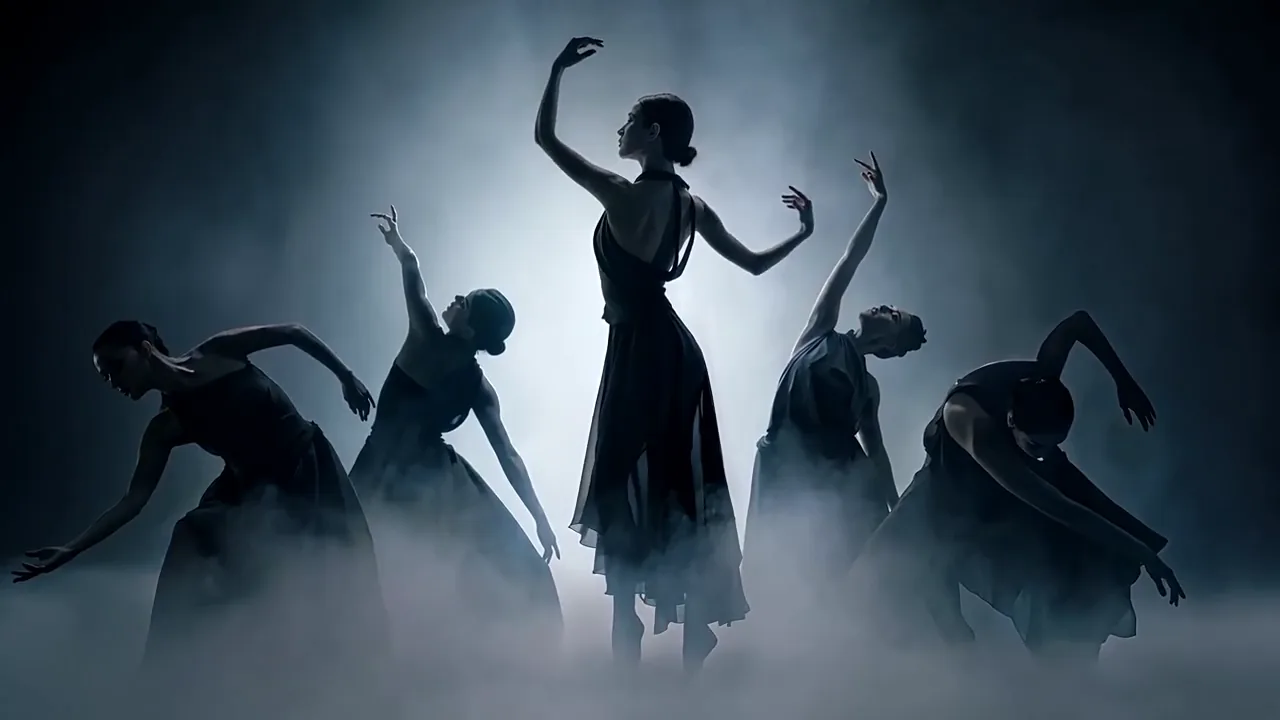
 12s · 16:9 · 720P
Dancers in backlit fog
What URL to video actually does with a link
URL to video hands Wan 3.0 one public web page. Wan 3.0 reads what is on it — the claims, the tone, the thing being sold — and generates two to thirty seconds of new footage, with an audio track, in the same pass. Nothing is lifted off your page, nothing is dropped into a template.
What URL to video is not: a screen recording, a slideshow of your screenshots, or a narrated tour of your layout.
- One continuous take
- 2–30 s
- 30 fps, sound included
- 480P / 720P / 1080P
- Per run · no file alongside
- 1 link
- What reading the page costs
- $0
One continuous take
30 fps, sound included
Per run · no file alongside
What reading the page costs
- Not a screen recording
- Not a slideshow of your screenshots
- Not a narrated tour of your layout
Check a URL to video link before you spend anything
Any URL to video tool can fail on your page, Wan 3.0 included, and most let you find out after the render. Three things break it: a sign-in wall, a bot blocker, and a page that builds its copy in the browser so a fetcher gets the shell. Know in two seconds whether URL to video can read yours — no account, nothing charged.
- Reachable
- We name the hop that broke
- Public
- URL to video cannot read it — paste the copy into text to video
- Not blocked
- A bot blocker refuses Wan 3.0 too; same route
- Readable text
- We say how thin it is and what URL to video does with that
- Language
- We flag it — those two are guaranteed
- What it reads
- Always shown, pass or fail
That last row is a plain fetch of your page, not the model's reading of it — we cannot see inside Wan 3.0. It is a fair proxy, because Wan 3.0 URL to video requests the same public page over the same public internet. But it is our read, and we would rather say so.
Two more pages URL to video will not take
A PDF, a deck or a spreadsheet
URL to video takes a link; that is a file, and the two cannot travel together.
Send it as a file — same mode, one field over.
A page that is mostly images
Copy baked into a graphic is invisible to a text reader.
Type those claims into the prompt yourself.
The URL to video check fetches your page once, reads the markup, returns a verdict and forgets it. Nothing is stored, the address is not kept. 20 checks an hour per network is the only limit.
Three things called URL to video, and which one this is
The phrase covers three products, and the difference usually shows up after you have paid. Read the last row first — it decides which one you want.
Asset-lift ad
- Picture comes from
- Your own photos, cut against a template
- Sound comes from
- A voice reading a script
- Length
- 15–60s, assembled from cuts
- It looks like
- A well-cut slideshow
- Choose this URL to video when
- Your packshot must be on screen, unchanged
Have the product photo already and want it animated instead? Image to video.
Avatar narration
- Picture comes from
- A synthetic presenter, your images behind
- Sound comes from
- The same
- Length
- As long as the script runs
- It looks like
- A person presenting
- Choose this URL to video when
- Someone has to say the words to camera
Nothing here does this. An avatar tool is the right shape for it.
- This page
Generated footage
- Picture comes from
- New shots, generated after reading the page
- Sound comes from
- Generated with the picture, one pass
- Length
- 2–30s, one continuous take
- It looks like
- A filmed shot
- Choose this URL to video when
- You want footage that does not look assembled
Paste a link and press once — the prompt is optional.
None is best. Shipping forty variants of one ad with a pixel-exact packshot? An asset-lift tool is the right shape and this page is not. Wan 3.0 URL to video earns its place when the clip has to look shot rather than built, and when you would rather not share a house style with everyone using the same template library.
Five kinds of page, and what to ask URL to video for each
A link alone gets something reasonable. Naming the job gets something usable. These are the five pages people paste into Wan 3.0 URL to video, with the instruction that changes each result most.
Product page
Materials, dimensions, the promise, the price
One benefit, dramatised. Pick the line that sells it and make the shot about that
Landing page
A headline, three benefit blocks, a call to action
The headline as the opening beat, the call to action as the last two seconds
Blog post
An argument with a beginning and an end
The one idea a stranger should leave with, or you get a vague summary
Changelog
A list of changes, short and factual
The single change worth showing. Release notes are thin on story, so bring the mood
Event page
A date, a place, a line-up
The feeling of being there. Dates render least reliably, so put those in the caption
The pattern under all five URL to video runs: the page supplies the facts, you supply the job. Leave the prompt empty and Wan 3.0 chooses, which for a tight product page is often fine. Past a thousand words, say which part matters.
Anchor images: URL to video with your real product in the shot
Here is the honest limit of every generative URL to video tool, this one included. Wan 3.0 reads that your jacket is a three-layer shell in slate grey, then invents a jacket. Close, but not yours. Send the link and the photographs together: the page carries the story, the photographs carry the object.
The page
Supplies the claims, the tone, the context. One link per run.
Anchor imagesup to 10
Fix shape, colour, logo and material. Same family as the link, so both go in one request.
The link, already checked
Supplies the claims, the tone, the context
Up to ten photographs of the real thing
Fixes shape, colour, logo and material
“Keep the product exactly as it appears in Image 1 and Image 2”
Makes the photographs the authority, not a suggestion
Two angles of one object beat a single hero shot, and a plain well-lit photograph beats a styled one. Numbering runs Image 1, Image 2 — capital letter, space, images only. The link itself has no number, so call it “the page”. Anchor images are what make URL to video hold your product rather than an impression of it. Need a face or a voice steady across clips too? Reference to video is built for that.
The Wan 3.0 URL to video rules nobody prints
One link per URL to video run, and it cannot travel with a file
You cannot brief it with a deck and a landing page at once
The page must be public and need no sign-in
The commonest reason a URL to video job comes back wrong
A link cannot be combined with a first or last frame
Two families of input; a request holding both is refused outright. This page never offers the frame inputs while a link is attached
Deep-thinking mode has to be on or Wan 3.0 never opens the link
Off by default upstream. Left off, the request still succeeds and still bills — it just ignores your page. We turn it on and cannot turn it off
The prompt is optional once a link is attached
Paste and press. No other tool here works that way
Reading the link costs nothing
Only output seconds are billed, however long the page runs
2–30s · 480P, 720P, 1080P · 30 fps · six aspect ratios
The same ceiling as every mode here. There is no 4K — Wan 3.0 does not produce it
Rules 1, 2, 3, 6 and 7: the Wan 3.0 video generation API reference and the Alibaba Cloud model page. Rule 4 is documented by four independent API gateways and appears in Alibaba's own request examples, but not yet in the English reference — checked 27 August 2026.
When URL to video goes wrong, and the fix
Three of these URL to video failures are ours to prevent, and we do. The other two are yours, and both are cheap to avoid once you know they exist.
The clip has nothing to do with your page
Deep-thinking was off, so the link was carried and never opened
Cannot happen here. Calling the API yourself? Check this first
PreventedRefused before anything generates
A link sent with a file, or with a first frame
Send one. URL to video blocks the invalid pairing here
PreventedGeneric clip that could be any brand
The page is thin, or its selling copy lives inside images
Type two or three claims into the prompt. The check gives the word count first
It picked the wrong part of a long article
Nothing said which part mattered
Name the section, or link the anchor rather than the top of the page
The product on screen is not quite yours
A link describes; it does not depict
Add anchor images — the section above
A failed URL to video run is refunded automatically, no ticket. Expired jobs — Wan 3.0 drops a task twenty-four hours after submission — are refunded the same way, and we call those “expired” rather than “failed”, because only one of the two is your prompt's fault.
What a URL to video clip costs
Per second, by resolution, nothing else. Wan 3.0 reads the link free whether the page runs two hundred words or five thousand, and anchor photographs are free too — you pay for the seconds that come out. Failed runs are refunded automatically. No per-page fee, no seat, no monthly minimum to clear before URL to video works.
How this is billed
- Billed by
- output second
- Reading the link
- free
- Anchor images
- free
- Failed generation
- refunded
- The link check
- free · no account
There is no third variable on this page: no per-page fee, no seat, no minimum. Draft at 480P, then run the keeper once. The full credit table
Same monthly credits either way
- Free first clipNo card
One generation, once, on the real
wan3.0-video. A sample rather than an allowance — every free second is cash spent before any arrives.$0onceNo card at any point
Generate free clipAn email, no card
1 clip, once
480P · up to 3s · with sound
An email, no cardWan 3.0 has no free tier of its own — Alibaba meters it from the first second
- The real wan3.0-video, not 2.7
- Sound generated with the picture
- Model ID and task ID on the receipt
- A failed run never costs you
- 720P and 1080PPaid
- Clips longer than 3 secondsPaid
- Reference, document and editing modesPaid
- More than one clip, everPaid
Anyone advertising unmetered free access is either serving a different model or paying a bill that will not last.
At a glance
- Clips a month
- 1, once
- Takes per run
- 1
- Longest clip
- 3s
- Top resolution
- 480P
- StarterSave 50%
A launch post a week. Enough to find out whether the Wan 3.0 AI video generator suits the way you work, without a decision about volume.
$9.90/mo$19.80$118.80 billed yearly
Cancel anytime
480 credits / month · ≈ 12 clips
at 5s 480P · 6 at 720P · 3 at 1080P
Plan credits expire at the end of the month
- **480 credits a month** — about 12 finished clips
- 2 takes of one prompt per run
- Every resolution — 480P, 720P and 1080P
- Every length — 2 to 30 seconds in one pass
- Every input — text, image, reference, document, web page
- Sound written in the same pass, no watermark
- Commercial use included — publish it, sell it, bill for it
- Wan 3.0 Prime, the fast tier, whenever you want it
- A failed run never costs credits
- 7-day refund while the credits are untouched
- Cancel in two clicks — the price you joined at is locked
Everything under the first two lines is on this plan at $9.90. The bigger plans buy seconds and takes — never a better model.
At a glance
- Clips a month
- ≈ 12 at 5s 480P
- Takes per run
- 2
- Credits per dollar
- Baseline
- Refund window
- 7 days
- Most people land herePro
One finished clip every working day, with three alternates each. The draft-at-480P, finish-at-1080P loop, sized for a working week.
$29.90/mo$59.80$358.80 billed yearly
Cancel anytime
1,760 credits / month · ≈ 44 clips
at 5s 480P · 22 at 720P · 11 at 1080P
Plan credits expire at the end of the month
- **1,760 credits a month** — 3.7× Starter4×
- ≈ 44 finished clips a month, or 11 at full 1080P
- **4 takes of one prompt per run** — pick one instead of re-rolling2× takes
- **+32% credits per dollar** than StarterBetter rate
- Room to draft at 480P and finish at 1080P in the same week
- Every resolution — 480P, 720P and 1080P
- Every length — 2 to 30 seconds in one pass
- Every input — text, image, reference, document, web page
- Sound written in the same pass, no watermark
- Commercial use included — publish it, sell it, bill for it
- Wan 3.0 Prime, the fast tier, whenever you want it
- A failed run never costs credits
- 7-day refund while the credits are untouched
- Cancel in two clicks — the price you joined at is locked
The jump from Starter is quantity, takes and rate. The model, the resolutions and the thirty seconds were already yours.
At a glance
- Clips a month
- ≈ 44 at 5s 480P
- Takes per run
- 4
- Credits per dollar
- +32% vs Starter
- Refund window
- 7 days
- StudioBest rate
Client volume, and the plan where you stop rationing 1080P. Forty full-resolution finished clips a month, at the lowest credit price on this page.
$79.90/mo$159.80$958.80 billed yearly
Cancel anytime
4,960 credits / month · ≈ 124 clips
at 5s 480P · 62 at 720P · 31 at 1080P
Plan credits expire at the end of the month
- **4,960 credits a month** — 10× Starter, 2.8× Pro13×
- ≈ 124 finished clips a month, or **31 at full 1080P**
- **+65% credits per dollar** — the best rate on this pageBest rate
- Enough 1080P that you stop drafting at 480P first
- 4 takes of one prompt per run
- Sized for a client roster rather than one channel
- Top up any month without changing plan
- Every resolution — 480P, 720P and 1080P
- Every length — 2 to 30 seconds in one pass
- Every input — text, image, reference, document, web page
- Sound written in the same pass, no watermark
- Commercial use included — publish it, sell it, bill for it
- Wan 3.0 Prime, the fast tier, whenever you want it
- A failed run never costs credits
- 7-day refund while the credits are untouched
- Cancel in two clicks — the price you joined at is locked
Studio is volume and rate, nothing else. If you are not spending a month’s credits, Pro is the honest answer — we would rather write that here than take the difference.
At a glance
- Clips a month
- ≈ 124 at 5s 480P
- At full 1080P
- ≈ 40 a month
- Credits per dollar
- +65% vs Starter
- Refund window
- 7 days
URL to video in three steps
The step that decides the result is the second one, and it is optional — which is the whole difference between this mode and every other one here.
Check the link
Paste it and press check. Two seconds, no account, and URL to video will not let you spend on a page it cannot read.
Free · no accountSay what the video is for, or do not
The prompt is optional in URL to video once a link is attached. One benefit, one mood and one camera move is the difference between reasonable and usable.
OptionalDownload the MP4
Wan 3.0 mixes the sound in already. The model ID, the real resolution and the real duration print under the clip, so you can check what generated it.
Sound in the same file
Wan 3.0 URL to video questions
Nine answers on Wan 3.0 URL to video · all visible · nothing collapsed
Do I need an account for URL to video?
Does URL to video work with a page behind a login?
Will URL to video use the images from my page?
My site renders in the browser. Will URL to video work?
Can I use a Shopify, Amazon or Etsy product URL?
How long can a URL to video clip be?
Does the link cost extra in URL to video?
Is URL to video a recording of my page?
What if the URL to video clip claims something my page does not?
Paste your first URL to video link
Find out for free whether Wan 3.0 can read your page — no account, nothing charged. Wan 3.0 URL to video itself runs on credits, from 480P up, and a failed run is refunded automatically.
Written and maintained by the wan-3.run editorial teamPublished Last updated